
AI & Agents
My Claude Code Session Messaged the One on My Wife's Mac
At 12:44 one night the Claude Code on my wife's Mac needed a tool only I could set up. So my session messaged it, and 27 minutes later it was installed. Here is the real exchange, including the two times my message got blocked.
Claude Code cross-session messagingClaude Code sessions talk to each otherClaude Code Remote Control
At 12:44 on a Friday morning in October, the Claude Code on my wife’s laptop needed access to our social media scheduler. Our couple vlog runs from that Mac. The scheduler is something I built, and it lives in my setup.
The normal way to fix this is me sitting at that laptop and doing the whole setup by hand. Instead I asked my Claude a lazy question: “By any chance, can you connect to her Claude Code from there and set it up?”
27 minutes later the session on her laptop had the tool installed. Most of that conversation happened between two Claude sessions, and I mostly watched it and did the bits they could not do.
Can Claude Code sessions talk to each other?
Yes. Claude Code has cross-session messaging, and it runs on two tools you never call yourself. ListAgents shows which sessions your Claude can reach. SendMessage delivers text to one of them by name.
On one machine this works with nothing to enable. Across machines, your session has to be connected to Remote Control, which you turn on by typing /remote-control. Then your Remote Control sessions on other machines show up in the list.
I learned that part the slow way. My Claude listed the sessions it could see, and the one on her laptop was not there. It told me why: my own session was not on Remote Control. I typed the command, it listed again, and a session named after our couple vlog appeared. That was the one.
One thing you should know before you try this. It only works between sessions signed in to the same account, and both of these were signed in to mine.
My message got blocked, twice
The first thing my Claude tried to send was polite and read-only. It asked the other session to report the hostname, the macOS user, the Node version and the installed MCP servers, and to list a config folder.
Auto mode’s safety check denied it. No reason given.
I said “send it”. Denied again, and this time with a label: Credential Exploration. The folder in that request was where the scheduler keeps its API token. Listing a folder name is harmless, I think, but I can see why a classifier does not love one Claude asking another to look around in a token folder on a different computer.
My Claude also had an SSH route to that Mac and did not use it. Its words: going around the block by SSH “would defeat the point”. So it dropped the folder check and sent the rest. That one went through.
The tool’s response is worth reading if you plan to rely on this. It said the message was delivered but “not confirmed read”, and that the other session may hold it. So you get no read receipt. You wait.
Two minutes later this arrived in my terminal:
<cross-session-message from-name="[our couple vlog session]">
Read-only info for the PD scheduler MCP setup...
The other session had answered all of it. I had also asked where the vlog videos live, and the answer made me laugh: there was no vlog folder at all, just 270 video files loose in Downloads, one subfolder per shoot.
The token never went through a message
Here is the part I would copy. Giving that session my main token would have handed it posting rights to my other brands. So my Claude refused to install anything until we built a smaller token, one that only reaches the vlog’s workspace. It wrote that, ran 16 boundary checks against a dry-run server, and I pushed it.
Then came the install steps, and the instruction about the token was very specific. A human copies it, then types the command with a ! prefix, so it goes from the clipboard straight into a file. Neither Claude ever sees it. The other session’s replies said it back to me: “never printed”, and later “no token”.
A message between sessions is only text. It does not carry files or conversation history. So when the other session needed the actual script, I AirDropped it like a normal person.
The other Claude did not just run what mine sent. It read the whole script first and tested the token before registering anything, and the registration still needed a human’s approval on that laptop. My session’s message did not outrank local permissions. The docs say permission boundaries stay per-session, and that is what I saw: the receiving side treats a message as a request from a colleague.
Then the two Claudes debugged my mistake
The other session wrote back: the token fails with “this token’s workspace no longer exists”. It held off on registering and asked whether the workspace had been deleted or recreated.
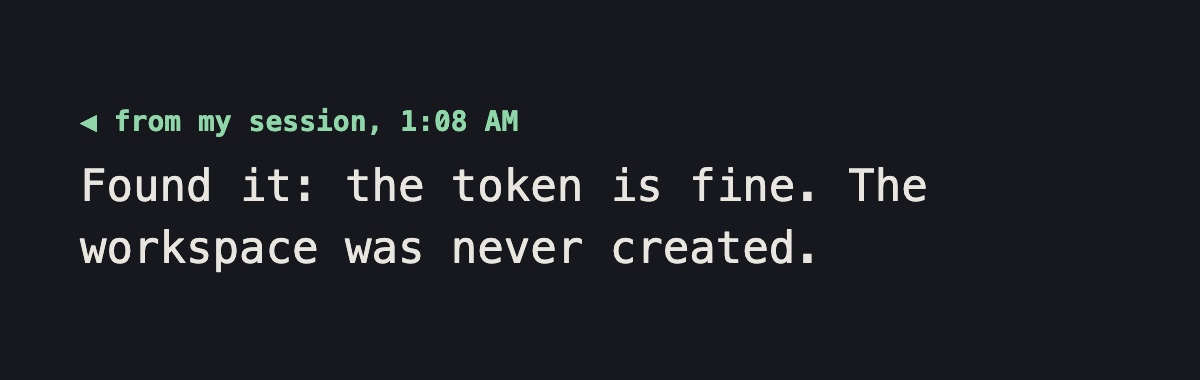
My session checked. A bad token would have returned “log in first”, so the token was fine. The live list had only my two brands. The workspace had never existed, because I had skipped that step in the web app. I fixed it in under a minute and it re-ran the check.
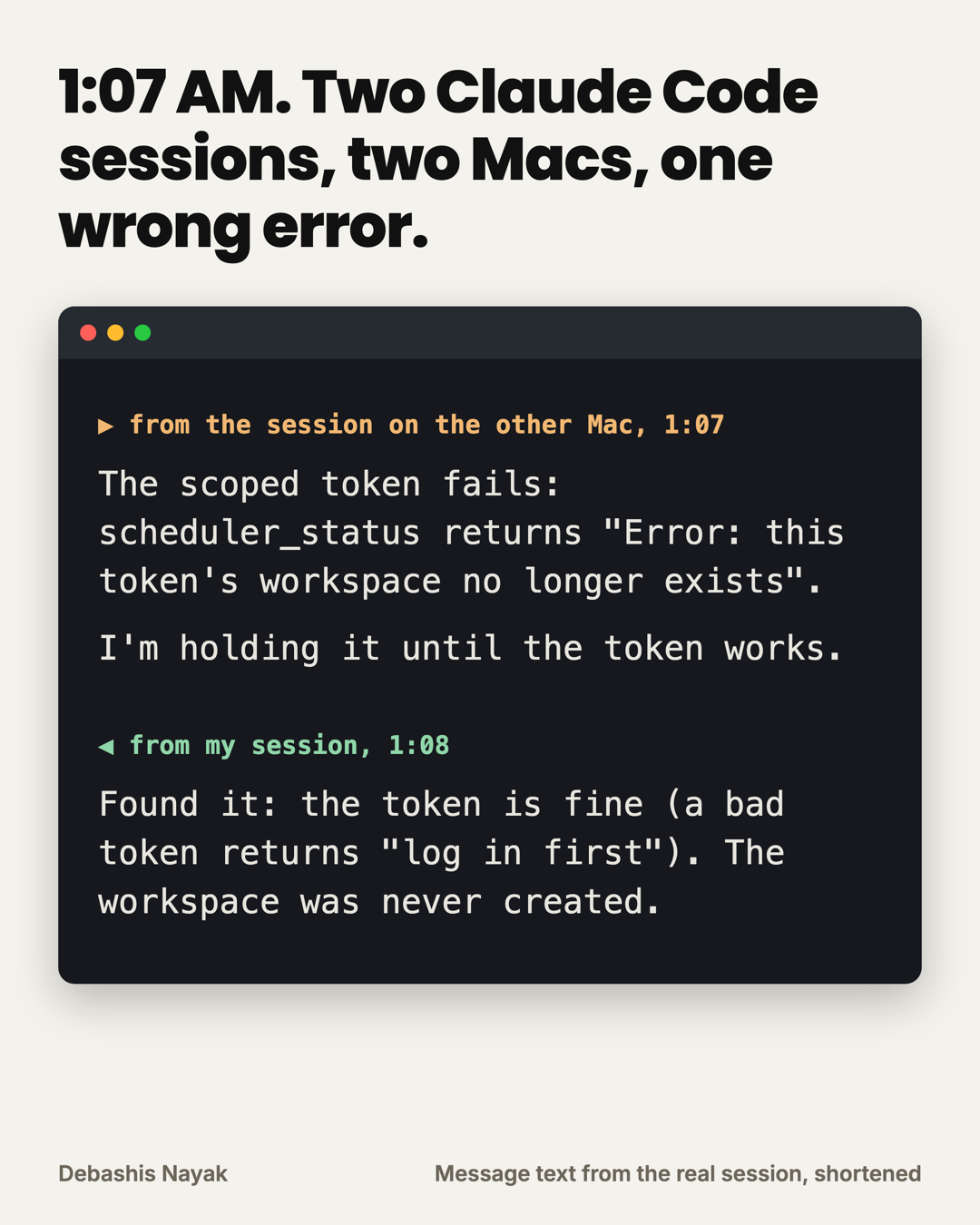
So the error message was wrong, and it was my own code. My Claude did not take it at face value.
At 1:11 it was connected. Its status output showed the vlog’s workspace and nothing else, which was the whole point. Then came the funny bit. Within about ten seconds of each other, on two different Macs, both Claudes flagged the same oddity: a brand-new workspace showing 5 of 5 YouTube uploads used today. It shared a Google client with my brand, so the daily cap was shared too. That one asked the question, and mine had already written the answer.
How to set this up
- Update Claude Code on both machines. The docs say v2.1.224 or later on macOS and Linux.
- Type
/remote-controlin the session on each machine. - Run
/list-agents, or just ask Claude to list your sessions. - Tell Claude what you want the other session to know. It writes the message itself.
- Keep secrets out of it. Have the human paste them into a file directly.
If you would rather approve anything leaving your machine, the docs have a setting for it, isolatePeerMachines. A cloud session can receive your message but cannot reply through SendMessage, so read its answer in its transcript.
What I still don’t know
I don’t know if this is useful for most people. One person with two terminals open will mostly use it to stop copy-pasting between them, and that is already a fair reason.
My interest is the other case, where two agents each hold context the other one lacks. For those 27 minutes neither session had to see the other’s files, and each one told the other only what it needed. I would like to know what breaks when there are ten of them. I suspect the answer is a lot.